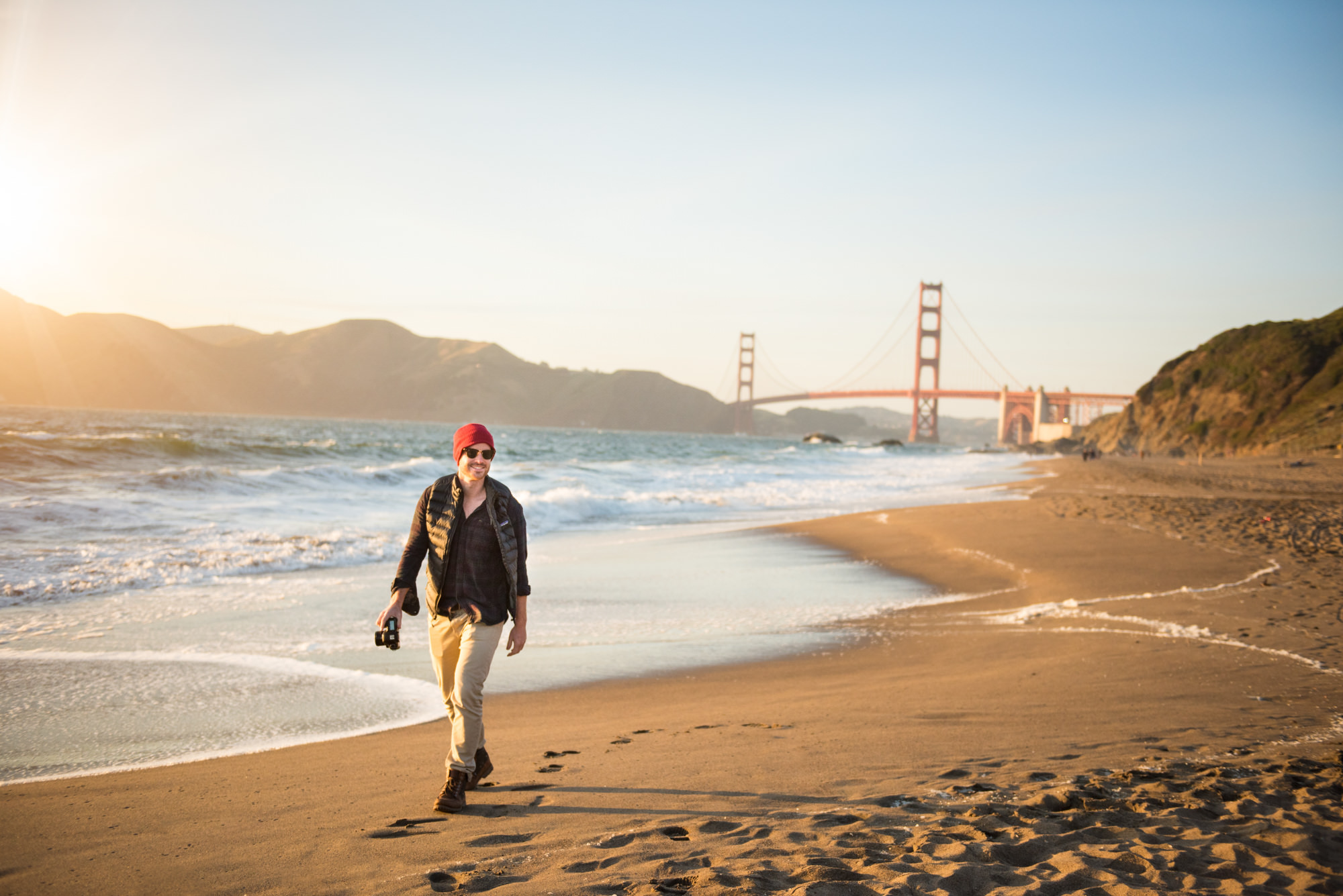
Fashion photography is all about capturing style and elegance, and Photoshop can be your secret weapon to create stunning fashion images that stand out.
- Retouching: Use the ‘Spot Healing Brush’ and ‘Clone Stamp’ to remove any minor imperfections on the model’s skin or clothing, ensuring a flawless look.
- Color Correction: Adjust the ‘Color Balance’ and ‘Hue/Saturation’ to enhance the vibrancy of the colors, making the fashion pieces pop against the background.
- Lighting Adjustments: Utilize ‘Dodge’ and ‘Burn’ tools to highlight the model’s features and adjust the lighting to create a more dynamic and professional look.

- Background Clean-up: Remove any distractions in the background with the ‘Quick Selection’ tool and ‘Content-Aware Fill’ to keep the focus on the model and the fashion.
- Sharpness: Apply ‘Smart Sharpen’ to emphasize the details of the clothing textures and accessories, making them stand out in the image.
- Vignetting: Add a subtle vignette using ‘Vignette’ adjustment to draw the viewer’s eye towards the center of the image, where the model is.

- Skin Smoothing: Use the ‘Surface Blur’ or ‘High Pass’ method to gently smooth the skin while preserving details, creating a natural and polished look.Maintaining natural beauty while focusing on detail and quality is key to making fashion photos stand out.